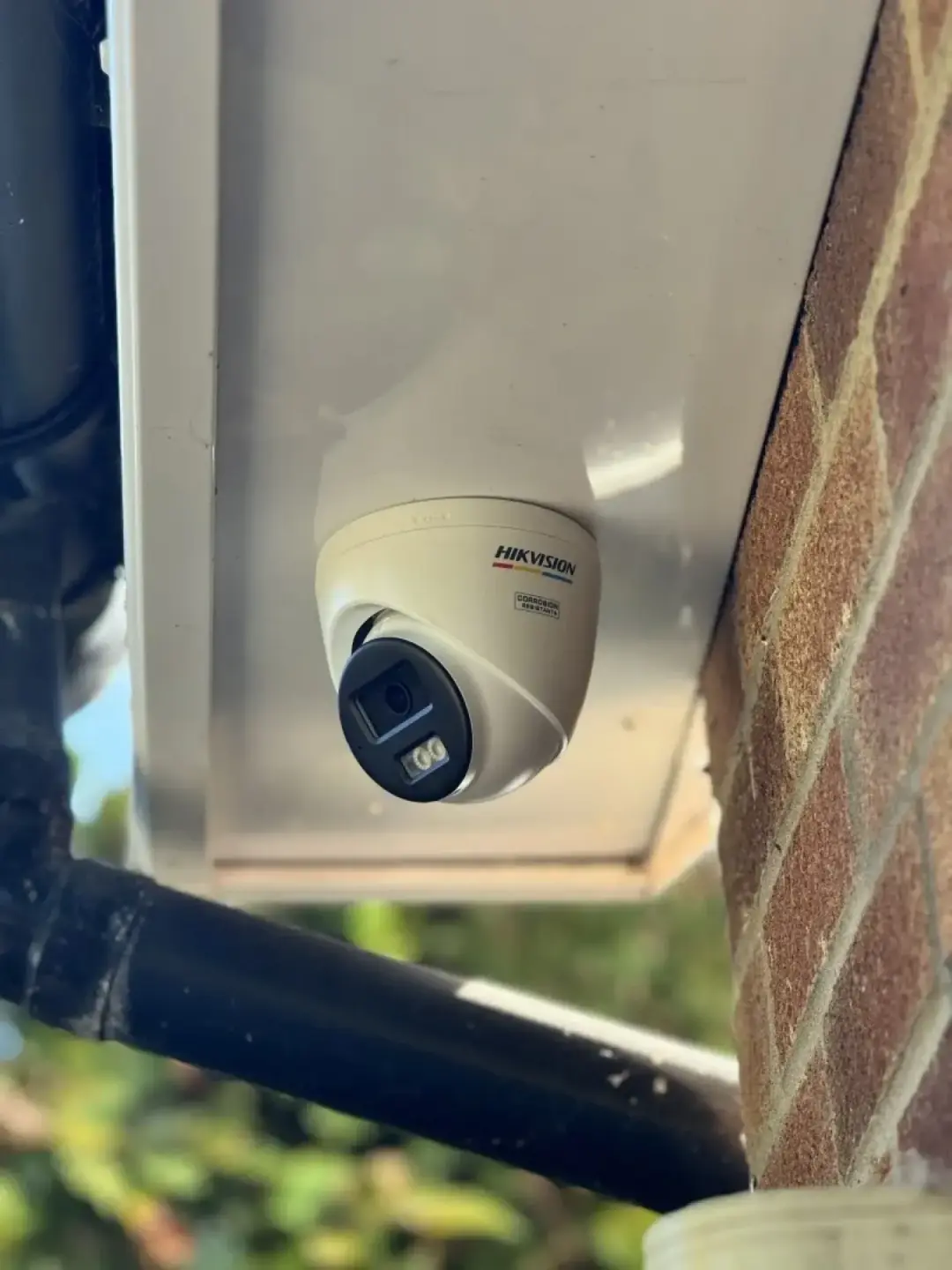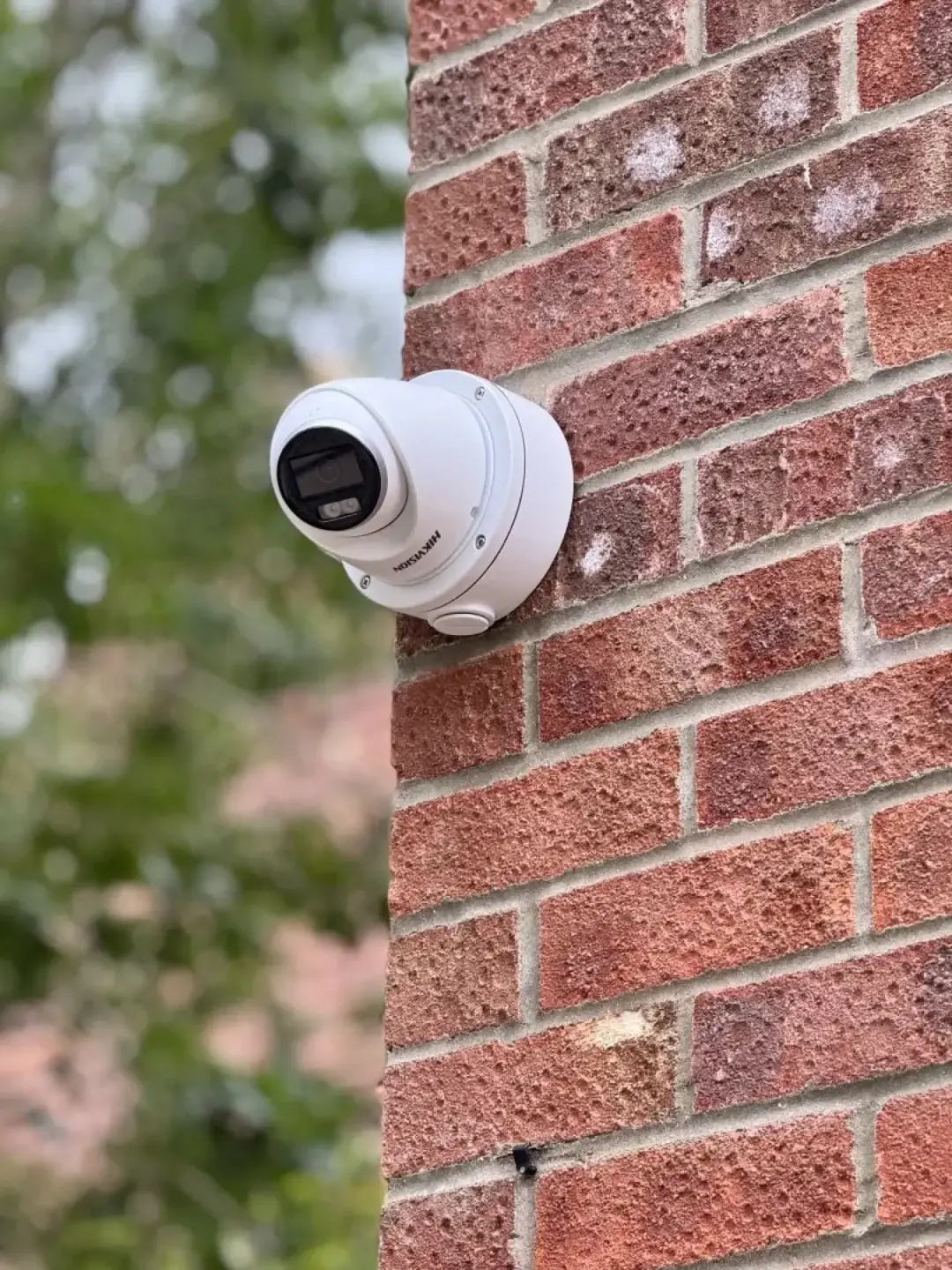
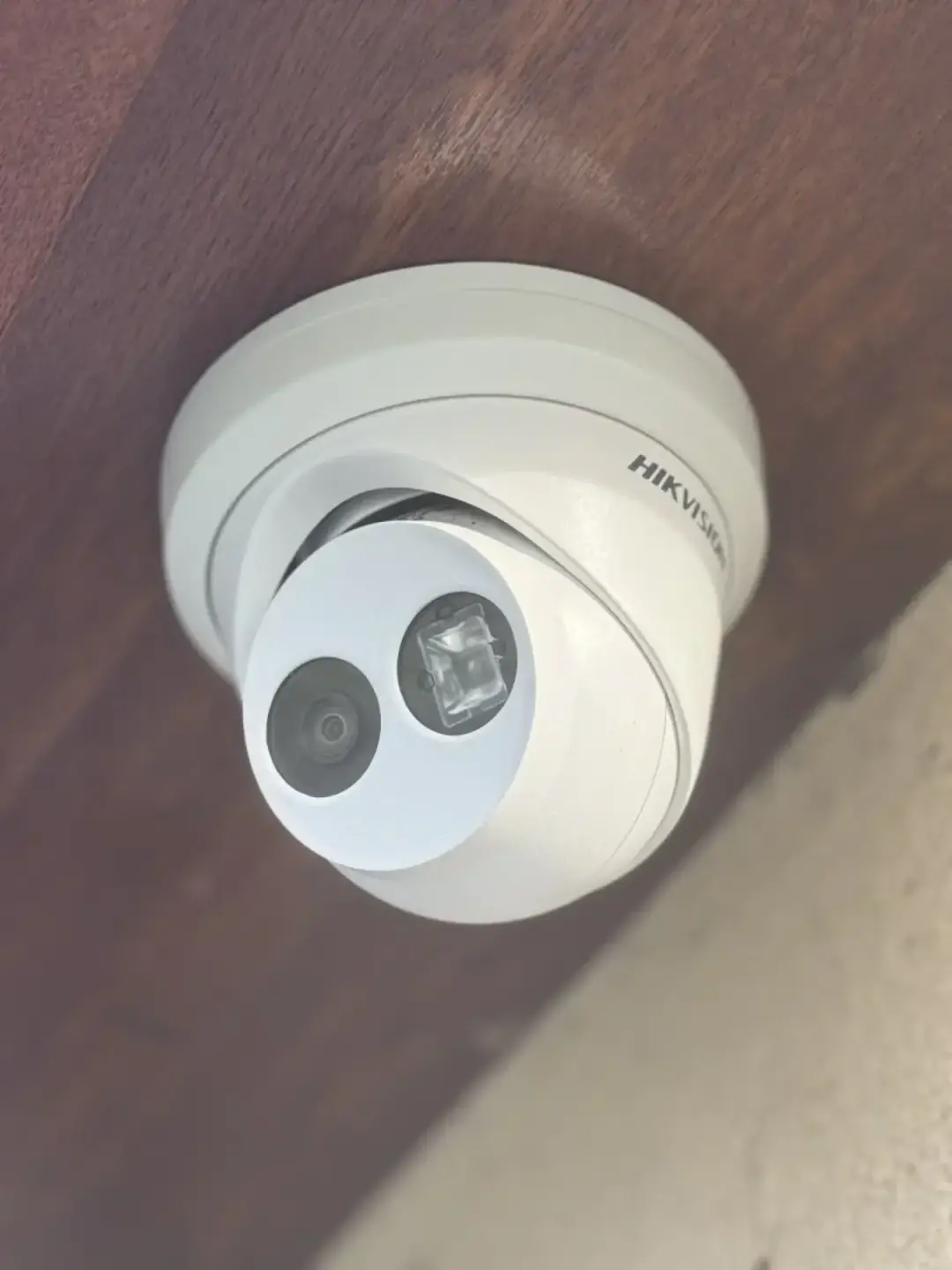
CCTV maintenance is mostly four things. Most camera systems that fail a customer were working perfectly the day they were fitted. What goes wrong afterwards is nearly always one of four things, and three of them you can check yourself in about five minutes.
Check the footage before you need it
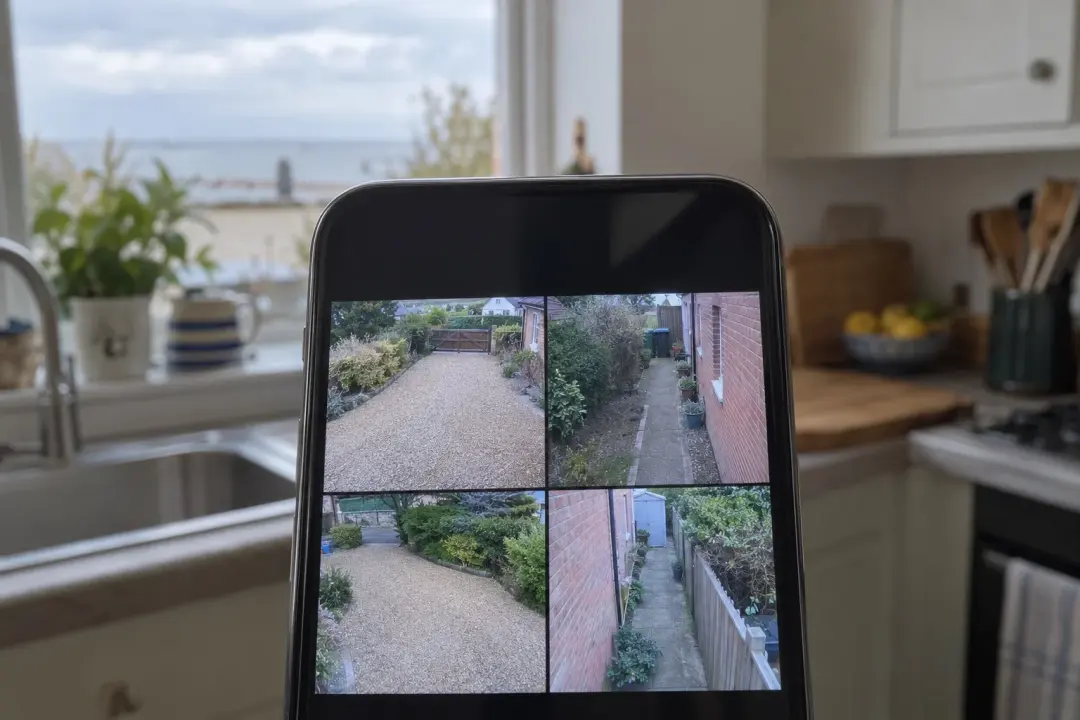
The single most useful habit is to open the app once a month and make a recording you can check. Walk past the camera, then play that clip back. Not the live view, which proves only that the camera is powered, and not a clip from last week either: a recorder that stopped yesterday will still play back last week quite happily. Only a fresh recording tells you it is writing today.
People discover that recording stopped in March at the exact moment they need the footage from last night. A few minutes once a month is usually the only maintenance a domestic system in Lowestoft needs, and it is what turns that discovery into a small job rather than a disaster.
Do it on each camera you would actually rely on, not just the first one in the list. Channels fail one at a time, so a working recording on one camera says nothing about the others. Checking retention is a separate question: for that, look for the oldest footage still on the drive and see how far back it really goes.
Check your retention is still what you were told
Retention is how far back the recorder goes before it overwrites, and it drifts. Add a camera, raise a resolution, or change motion settings, and the drive fills faster than it did. A system sold as keeping a month can quietly be keeping ten days.
You can check it in seconds: ask for the oldest footage on the system and see what date comes back. If that date is not as far back as you expected, something has changed, and it is better to find out in a quiet week.
On a business system the things worth doing on a visit are checking retention is still what you were told it would be, cleaning and refocusing the cameras that matter, confirming the time and date are right, and testing that a recording from the full retention period actually plays back.
What goes wrong
- The drive fills or fails, and a failing one looks like a working one.
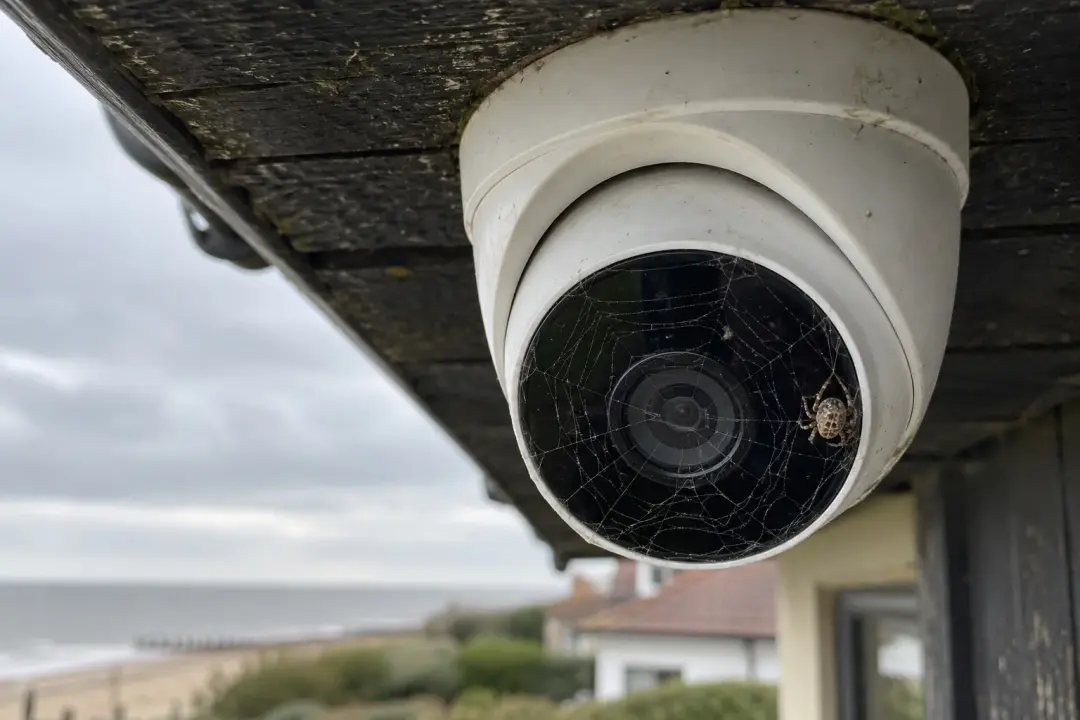
- A lens gets dirty: a web with infrared behind it whites the picture out.
- Something grows. A branch clear in January is across the view by July.
- A new router or broadband provider breaks remote viewing on the app.
What to do when you actually need footage
If something has happened, the first thing to do is export the clip, not watch it. Footage sitting on a recorder is on a countdown: every hour that passes brings the overwrite closer, and a system with short retention can lose an incident over a long weekend.
Export a generous window around the event, not the 10 seconds you think you need, and include the camera that shows the approach as well as the one that shows the act. Save it somewhere that is not the recorder. Then watch it.
Check the timestamp while you are there. Footage with the wrong date and time is substantially less useful to anybody you hand it to, and clocks drift after a power cut.
Maintenance, and systems somebody else fitted
It is also the moment to look at whether the system still matches the building. Yards get reorganised, doors stop being used, and a camera covering a route nobody takes any more is worth moving rather than leaving.
We take on maintenance for cameras we did not install, across Lowestoft, Beccles, Great Yarmouth, Norwich and the rest of the Waveney area. In a lot of cases the system is sound and has simply never been looked at, and the visit is cleaning, a drive check and showing whoever uses it how to pull footage off it. It is the same service as a new CCTV system, without replacing what is already on the wall.
If a system genuinely is past it we will say so, and we will say which parts can stay, because cabling frequently outlives the cameras on the end of it. That is less common than people expect.
Book a check on a system you already have
Tell us what you have and we will look at whether it is still doing the job.